Estimate from the file
Photographs, measurements, sketches, scopes, invoices, reports, and other project records are organized into an Xactimate estimate.
Apex provides Xactimate estimating support separately from its assessment services.
Use Apex for the assessment, the estimate, or both—depending on what the project needs. The assignments remain clearly separated.
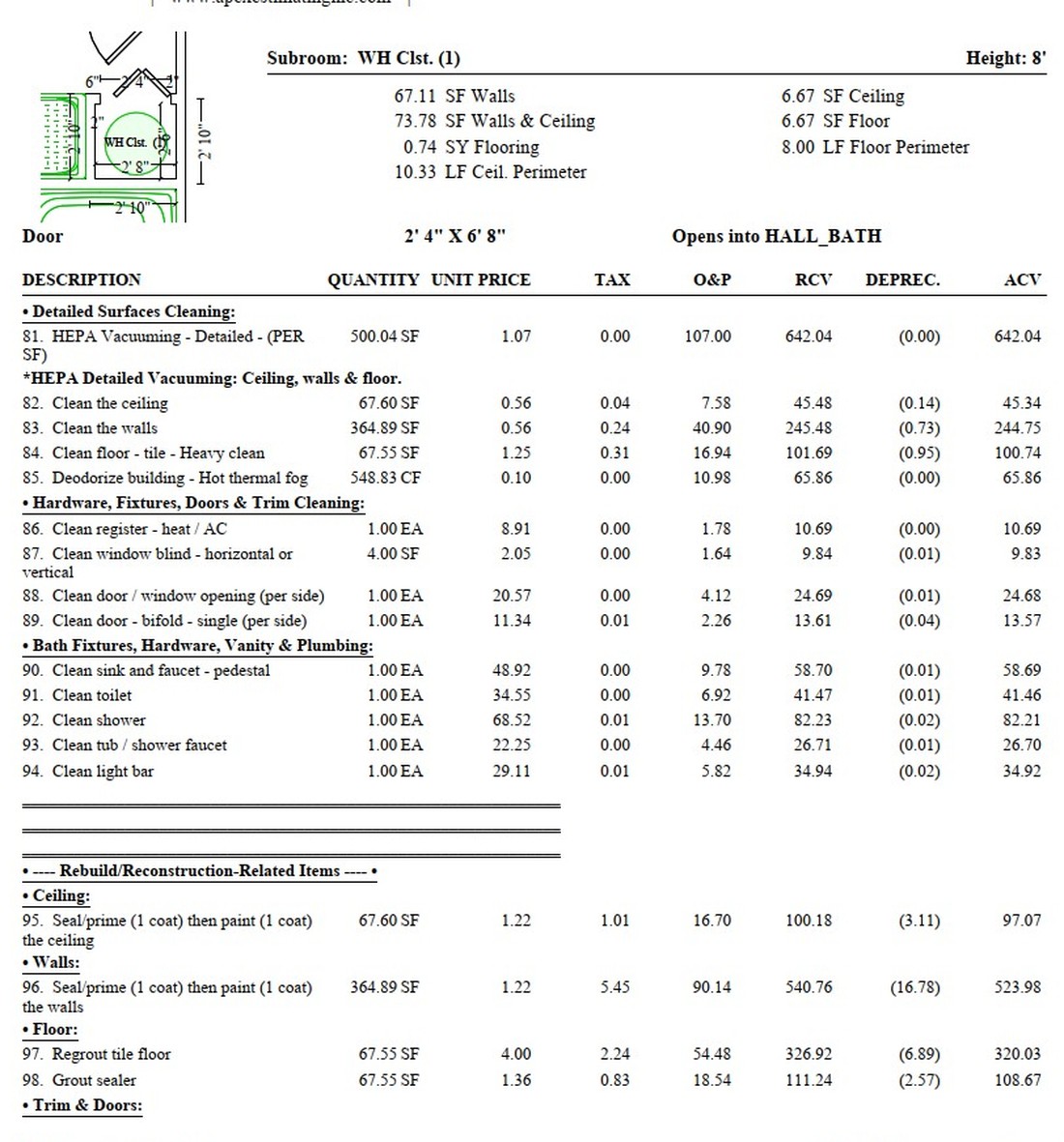
Photographs, measurements, sketches, scopes, invoices, reports, and other project records are organized into an Xactimate estimate.
Field measurements, photographs, scope development, and Xactimate estimating are handled as one separate assignment.
Room-by-room repair scope, quantities, and line-item estimating for rebuild and reconstruction work.
Before Apex became an assessment practice, it was an estimating desk. Chris knows what it is like to rebuild a property in Xactimate after the field work is already complete. That experience influences how measurements, room geometry, photographs, affected components, and scope direction are organized.
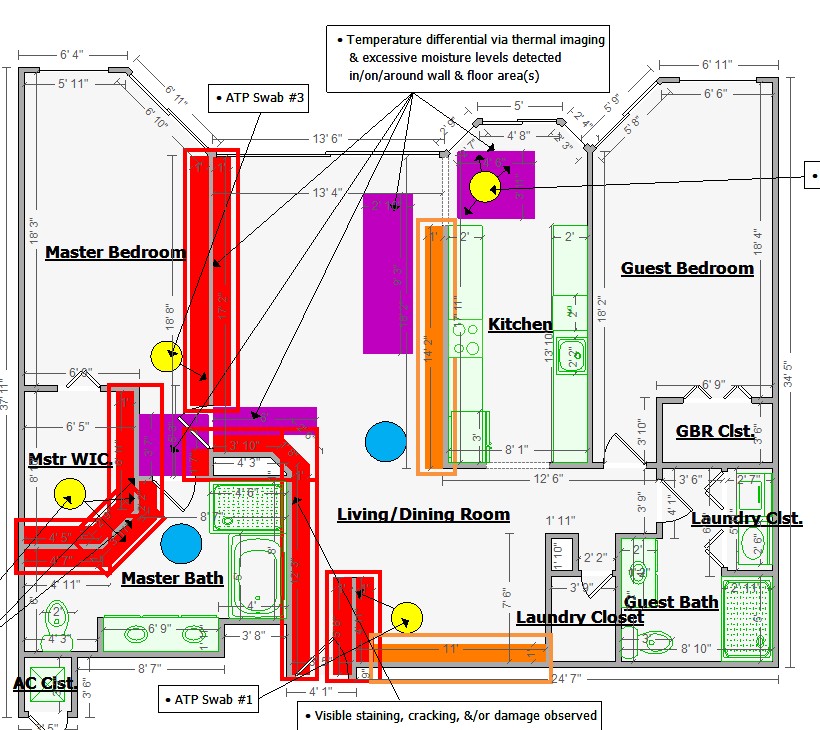
When Apex also performs the assessment, the included ESX sketch can create a cleaner starting point. When Apex is retained only for estimating, the assignment can be completed from the desk or in the field based on the available project information.
Assessment conclusions are not changed to support an estimate, and estimating services are not automatically included with the assessment beyond the included native ESX sketch.
Send the property address and a short description of the loss. Chris will respond directly with availability and the most practical next step.